IMAP Email Fyber
3 min
Follow these simple instructions to add an IMAP Email fyber to your fyberloom:
To add an IMAP email fyber to your account, click "add" in the email option listed on the "My Fybers" tab inside My KnowledgeGPS. To find this page, click on your fyberloom avatar, then please follow these instructions:
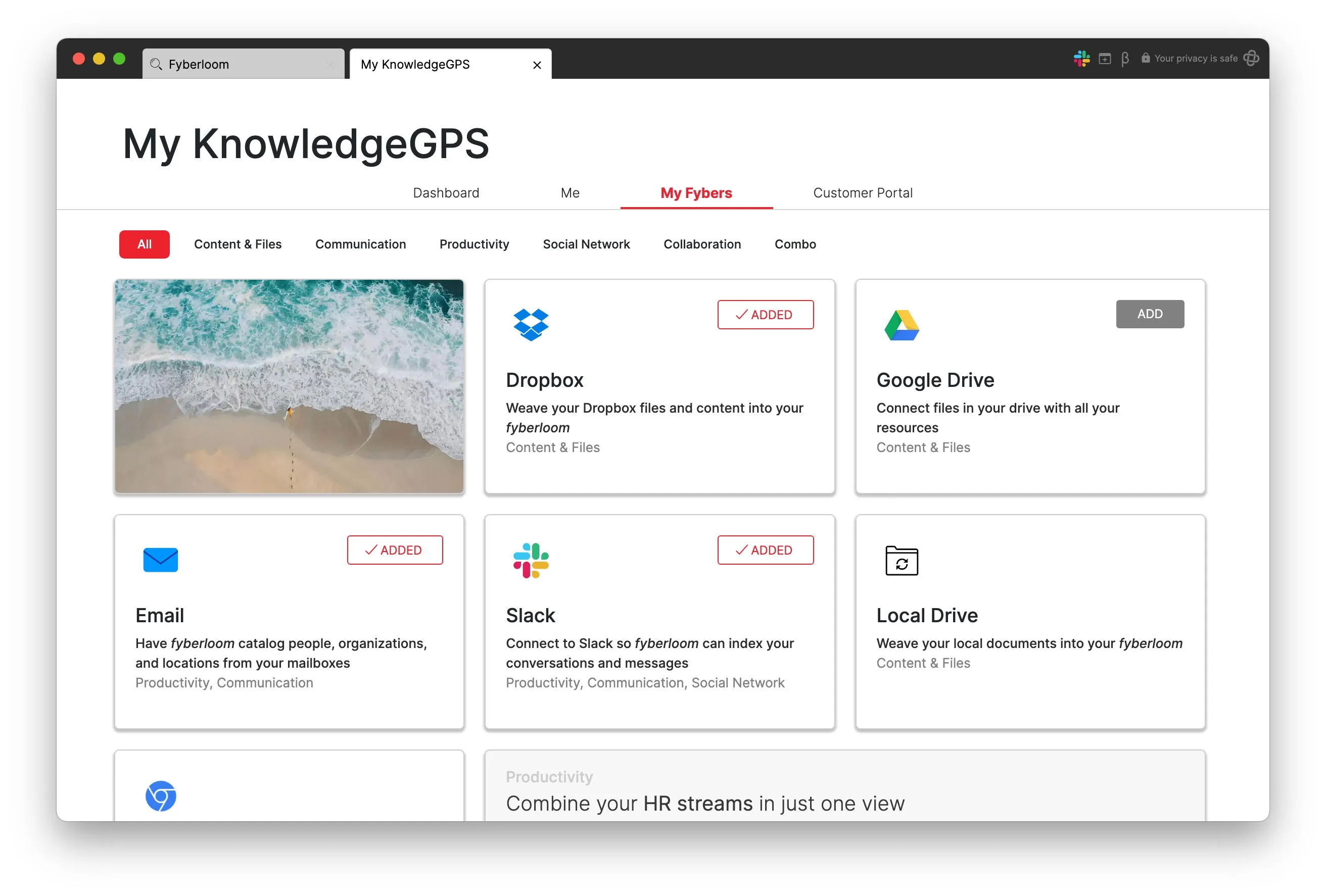
Add IMAP email fyber.
- Follow the prompt to login to your account, then in the top right-hand corner, switch the setting from simple to expert mode
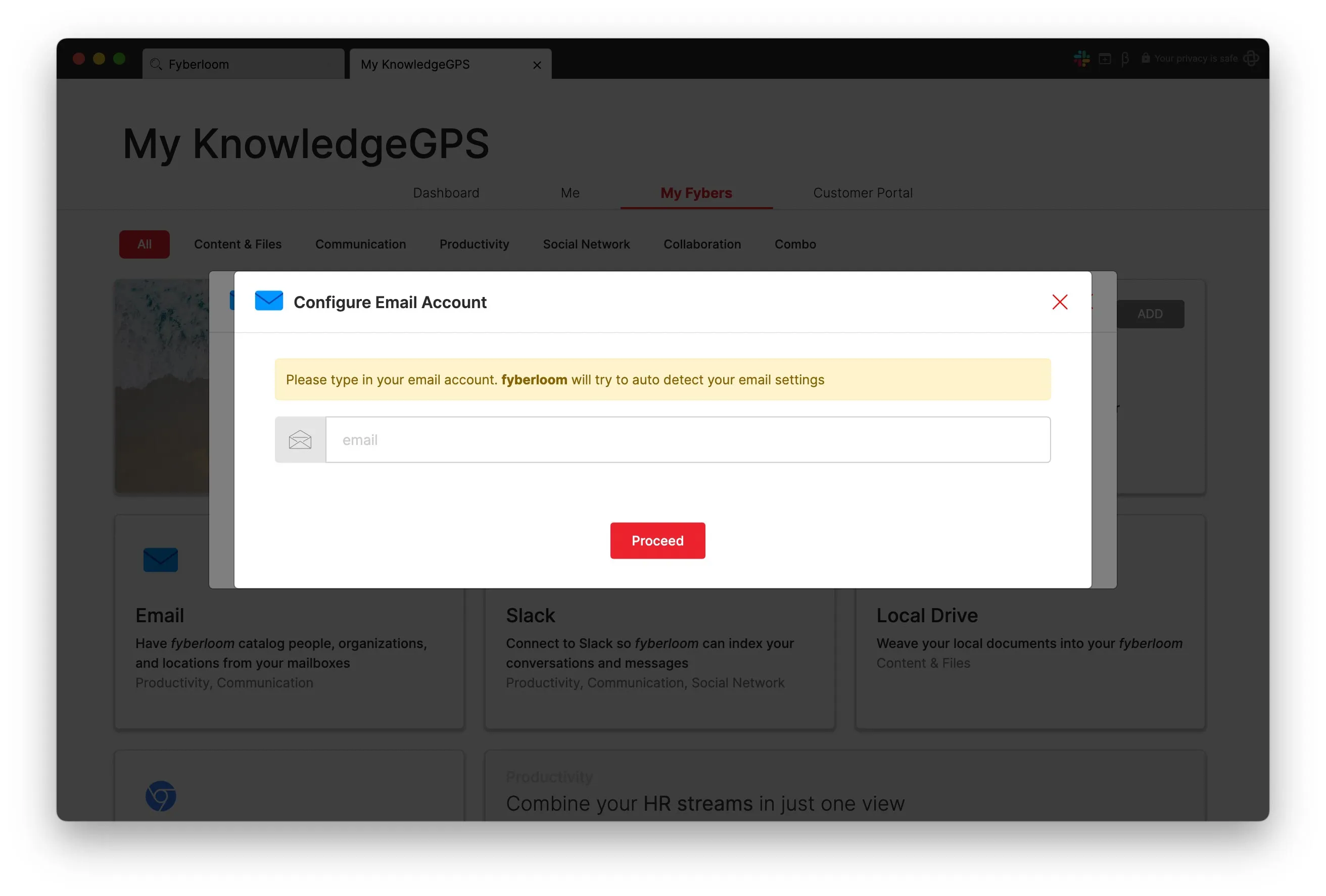
Add your email address.
- Now switch to the IMAP option
- Click the red icon that has appeared and follow the prompts to be guided through the rest of the IMAP setup process
- If you wish to add additional indexing rules, you may do so now. Then, click "Accept".
Start your 7-day free trial Get early access to fyberloom, explore your own LiveMaps, and unlock the full version after the trial. the next onboarding batch opens soon, so reserve your spot now.